Cloud AI tools are convenient, but there are three things you don't control: where your company data ends up, how long you'll keep access to the service, and what it will cost later. For most companies, the most important of these is the data: the terms under which your pricing, customer or supplier data is shared with an external provider matter. There's an answer to this: hand the critical, sensitive part over to AI that you own and run on your own server. This isn't dogma, and it isn't about ditching the cloud entirely: it's a smart hybrid. In this article, I'll walk through what this means in practice, where it pays off, and what I'm already building from it today.
The cost of convenience you rarely work out
AI tools can be switched on with a few clicks, and that's a big temptation. But what you're switching on is an outside provider's system, and with it, a piece of your company's operations ends up in their hands.
Most companies don't notice this as long as everything runs smoothly. But the question is simple: if the provider changes its terms, its price, or restricts access tomorrow, would that affect a process your operations depend on? If yes, you're relying on a provider whose decisions you have no say in.
And there's an even more important question, one that almost always comes up first with Hungarian SMEs.
What matters most: where does your data go?
When you hand a document to a cloud AI (a contract, a price list, customer correspondence), the content leaves your company and gets processed by an outside provider. What exactly happens to it there is, in the best case, governed by a contract, but the control isn't in your hands.
For a trading or manufacturing company, this isn't a minor detail. Your pricing, your supplier terms, and your customers' data represent business value, and handling them comes with responsibility. GDPR still applies to personal data, and for certain AI uses, you may also need to consider the EU AI Act's requirements. So "where does the data go" isn't a minor technical detail. It's a business and legal question.
This is the core of it: the AI runs on your own server or machine, and the sensitive data stays in your own environment, one you supervise. You don't have to beg an external provider to let you see how your data is handled.

What does AI running on your own machine mean in practice?
AI on your own machine isn't a brand and isn't a magic box. It simply means the AI runs in your own environment or one you control (on your own hardware, or on an EU-based system you keep under your control), not in an outside cloud.
This doesn't mean replacing cloud AI entirely. In practice, you run the critical part, the one handling sensitive data and in constant use, locally, and you can leave the rest in the cloud if it's cheaper and works well there. More on this shortly.
The principle is simple: sensitive data stays in your own environment or one you control, and access and operation remain in your hands.
Where does a local solution pay off, and where does the cloud stay the right choice?
This isn't a matter of belief. The right decision is almost always a smart mix.
A large provider's cloud AI is a good choice if you're experimenting, if you only need it occasionally, or if the task isn't sensitive. It's fast, has no entry cost, and gives you the latest models.
A local system running on your own server wins when:
- you work with sensitive data (customer, pricing, supplier, healthcare, legal),
- AI is a permanent, embedded part of your operations, not an occasional tool,
- predictable, fixed cost matters to you,
- and EU-based data handling matters, along with being clear on the AI Act's requirements.
At most companies, it's worth using both together: everyday, non-sensitive tasks can go to the cloud, while the part handling sensitive data runs locally. This is the hybrid approach: not all or nothing.

How I'm already putting this into practice
This isn't theory. I know from my own work that AI running on your own server works. I only write here about solutions I've already built, or whose operation I've checked through measurements.
A private customer assistant that runs locally. During a pilot for a Hungarian trading SME, I built a private AI assistant and measured how it worked. It answers questions using information in the company's own system and is built to run locally, with a design intended to keep the client's information from being sent to an external AI provider. This isn't a promise. What matters is being able to measure the results. I measured the system both before and after the fixes: the number of cases giving incorrect data dropped from four to one, and I then fixed that remaining case as well.
Removing identifying details locally before data reaches cloud AI. I'm also building a bridge for cases where a company still wants to use cloud AI: in an experimental setup running locally (a proof of concept, or POC), I tested how to detect and handle sensitive data in Hungarian text, still inside the company's own system, before any of it reaches an outside tool. The hard part isn't replacing the sensitive data. It's identifying it accurately, and that's exactly what I spent most of my time on.
Multiple customers, isolated data. I built my local system so that each customer's data is physically separated from other customers' data at the database level. I also ran targeted tests to check whether data could leak from one customer to another. In these tests, I found no leakage.
A large language model running on my own hardware. In the background, a local language model I operate myself, the AI that processes and generates text, runs on my own machine: meaning the critical part of AI processing can stay in your own hands, without having to use an external cloud AI service.
A realistic entry point: you don't need a supercomputer
Many people think running AI locally requires the kind of powerful hardware used by large enterprises. That's no longer true today.
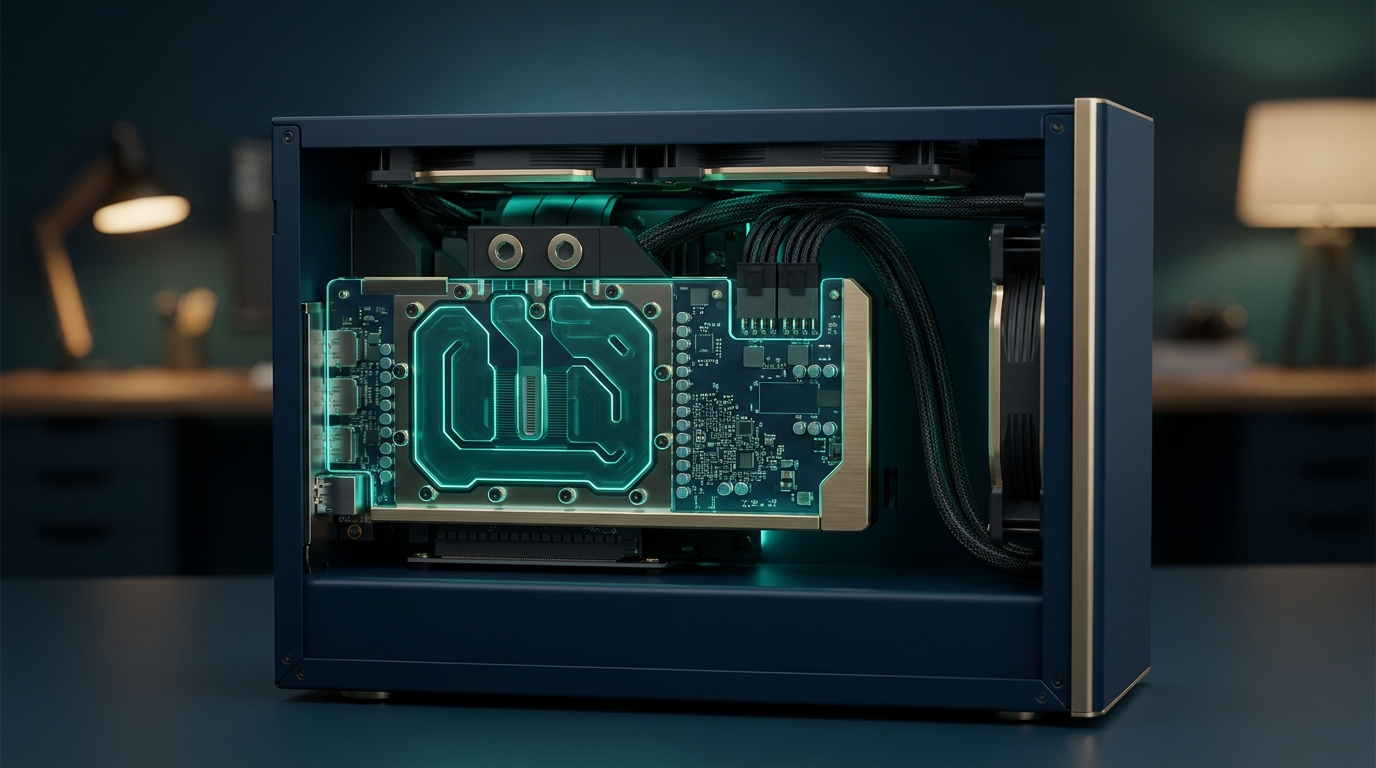
A used, 24 GB graphics card (RTX 3090) is a good starting point for lighter loads: a realistic beginning for several well-defined SME tasks. If you're planning for heavier, constant load, a more powerful local setup is built around a single, more powerful card (RTX PRO 6000) and a modern, locally runnable model with open weights, meaning the model's learned parameters are available to download, and a licence that allows broad use (several are available on the market, typically Qwen-based), which at the right size runs on roughly 24 GB of video memory. That's exactly the point of the "open weights" part when it comes to keeping things in your own hands: you can freely download and actually own a model like this (anyone can verify it), rather than depending on access to a provider's closed AI service that could be taken away from you at any time. I recommend hardware at this level because I investigated the requirements myself rather than simply checking a catalogue.
The exact configuration depends on the load; I size it based on your needs during the assessment. Depending on your company's situation, several types of funding may come into play. It's worth reviewing this at the consultation, because not every option is usable for every purpose.
Access and pricing: why independence matters now
So far, this has been about data, because that's what matters most to most companies. But there's a second, especially timely argument today for a solution running on your own server: not depending on a service someone else can switch off.
Large AI providers' access terms and pricing change. What was cheap and unlimited yesterday can become more expensive tomorrow, or access can be restricted, and you don't get a say in that decision. If a process of yours was built on it, a decision like that from outside can disrupt your operations.
There's no need to treat this as a drama, and certainly not as a conspiracy theory. It's worth treating it the same way as any critical supplier dependency: a responsible company doesn't base an important part of its operations on a single source it has no influence over. Local capacity reduces this risk: the critical part doesn't depend on a single outside provider's decision, and the cost of a local system doesn't depend directly on a cloud AI provider's pricing.
Frequently asked questions
So should I not use cloud AI at all?
No, use it where it makes sense. A large model running in the cloud is a fast, convenient solution for experimenting and non-sensitive tasks. The key is not to let go of the part that handles sensitive data. The realistic answer is hybrid, not all-or-nothing.
How much does it cost to get started with local AI?
The starting cost comes from the hardware plus the implementation cost; with a used 24 GB card, it's lower than many people think. During the assessment, I calculate the exact cost based on how much work your system needs to handle. I won't quote a made-up price.
Is a model running locally slower than a cloud one?
With the right model size and hardware, it's fast enough for everyday company tasks. I'm not looking for the flashiest model, but one that reliably completes the task you need it to do.
Does my data really stay within my own environment?
With a local system, processing stays within your own environment or an EU-based environment you control. Where you'd still want to use a cloud tool, a local anonymization layer can be built in front of it; I've already run a proof of concept (POC) of this: the goal is to handle the sensitive data while it's still inside the company's own system, before it reaches an outside tool.
Is this realistic for a small company too?
The entry level, yes. During the assessment, I'll go through where a local system makes sense for your company, where the cloud is enough, and what a sensible first step would be.
Where should you start?
AI on your own server isn't a huge, disruptive project: it's a question of deciding what to keep under your control. Where do you have sensitive data or a constant AI workload that you don't want in outside hands? That's where it pays to run AI locally. The rest can go in the cloud, if it works well there.
Book a free assessment. In one conversation, I'll go through this with you:
1. Sensitive data: which process involves sensitive data or a constant AI workload.
2. Where the local route pays off, and where the cloud is enough.
3. A realistic entry point: what hardware and implementation you need, without overpromising.
If you're specifically interested in a private assistant that answers from your own data, with sources, I've written about this in detail on a separate page. The assessment is free and without obligation.
I'm not selling AI itself. What I offer is a way to organise your company's operations and keep you in control of who can see which parts of your data. AI on your own server is one tool for that: right where it actually matters.
References:
- European Commission: official overview of the EU AI Act (digital-strategy.ec.europa.eu)
- Hungarian National Authority for Data Protection and Freedom of Information (naih.hu): GDPR context