I've pulled together what matters for Hungarian SMBs from today's opening keynote and the official release notes, covering what got announced at Odoo Experience 2026 in Brussels.
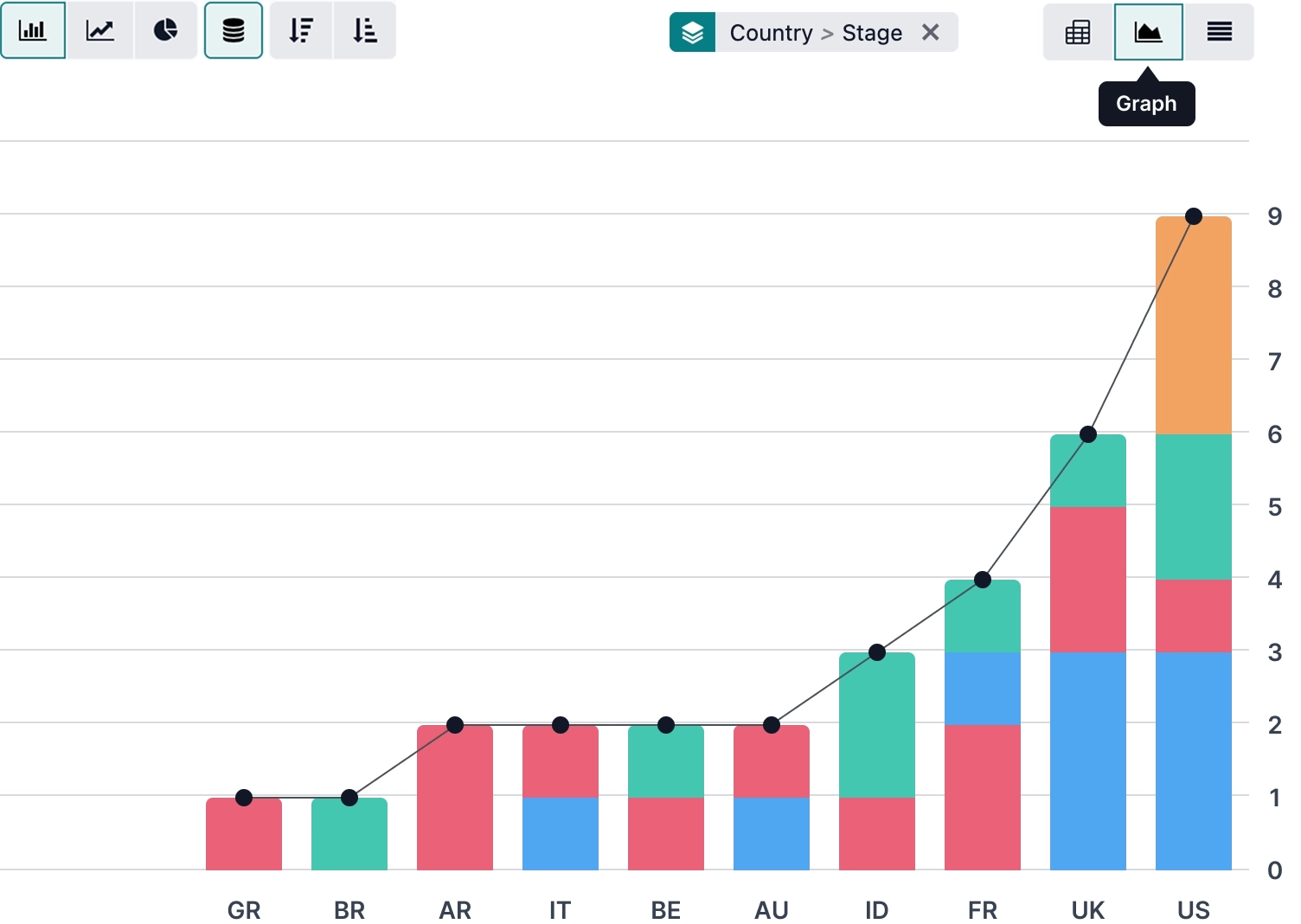
Illustration: Odoo
1. Ask questions about your Odoo data in a chat window (MCP)
Starting with Odoo 20, you can connect outside AI tools to your company data. At the keynote, Gemini, OpenAI's tools, and Claude Code all came up as concrete examples. In practice, that means you can type a question into a chat window, something like “who hasn't paid last month's invoice?”, and the AI answers using your actual Odoo data. Like any AI answer, it's worth checking before you act on it or pass it along. Before you turn this on, work out exactly which AI tool can see which data, and what it's allowed to do on your behalf. These permissions need to be a deliberate choice, not something you leave to the defaults.
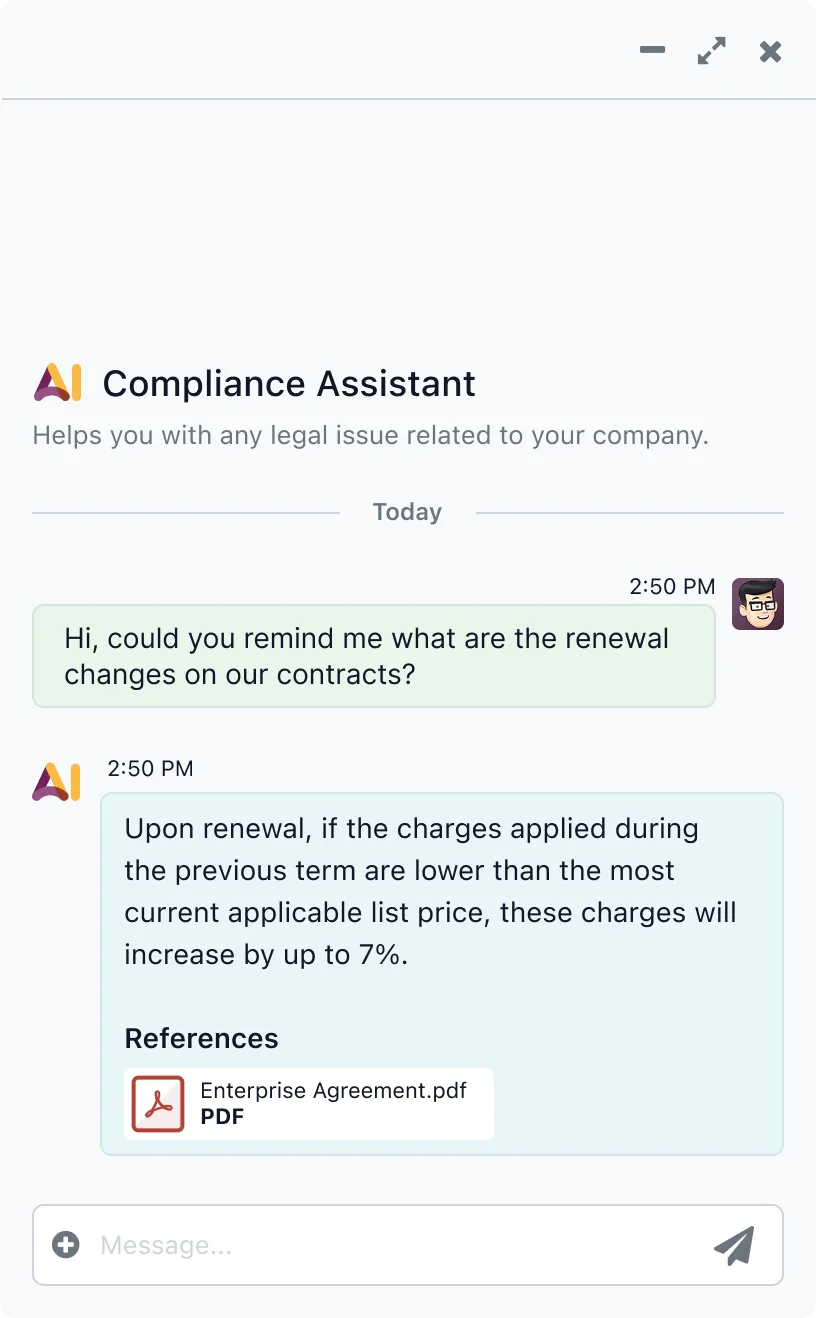
Illustration: Odoo
2. The AI agent doesn't just sit there waiting for a question
AI agents, the kind that answer questions and analyze data, already existed in Odoo 19. What's new in Odoo 20 is that you're no longer limited to asking an agent something. You can set it up to start on its own, either when a specific event happens (say, a contract expires or a customer's payment deadline passes) or on a recurring schedule (every Monday morning, for instance). That way it can have a summary ready for you to review, or finish a predefined step, before you even sit down at your desk. Your conversations with an agent are kept for up to 30 days after the last message. Before you switch this on, set it up carefully and check exactly what the agent does automatically and what it can access.
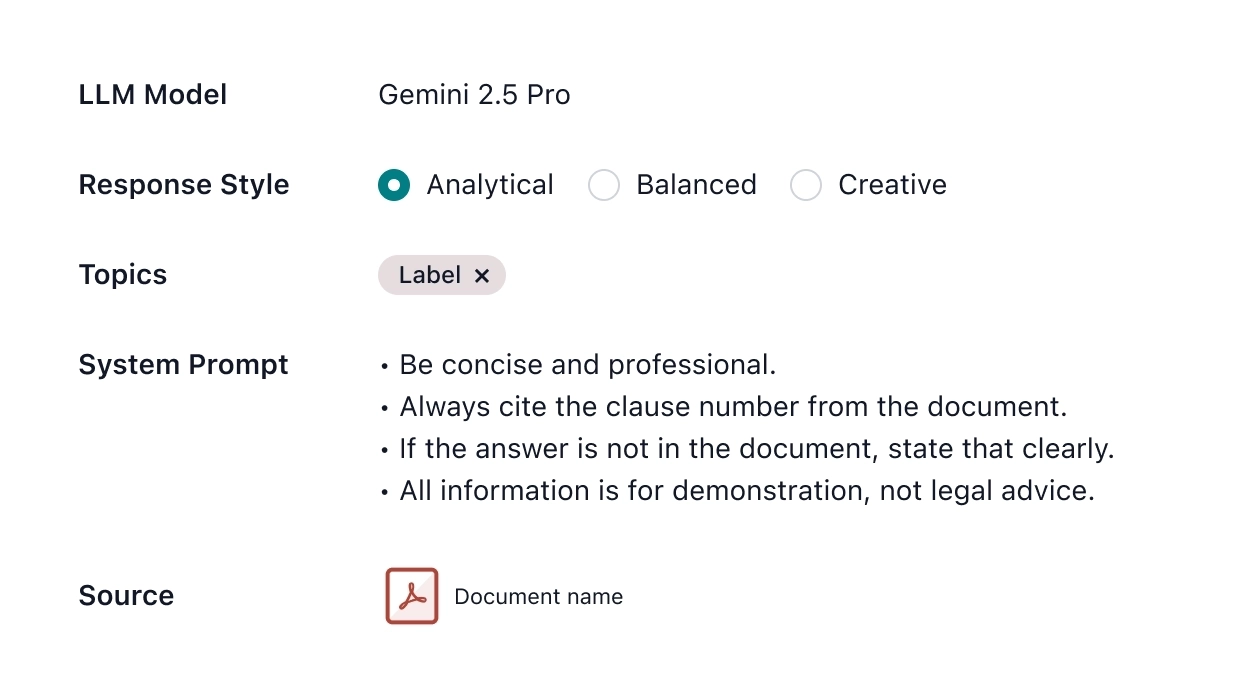
Illustration: Odoo
3. Your computer tracks what you're working on and helps fill in your timesheet
Odoo 20 can also connect to a separate tool called ActivityWatch that isn't AI-based. It tracks which apps you're using on your machine and turns that into a suggested timesheet entry, not a finished one that gets logged without your say. In practice, that means you're not reconstructing your whole week from memory on Friday afternoon. You have something to start from, and you still approve the final entry yourself. Before you roll this out, pin down exactly which data stays on the employee's own machine and what actually reaches Odoo. That's an employee privacy question as much as a technical one.
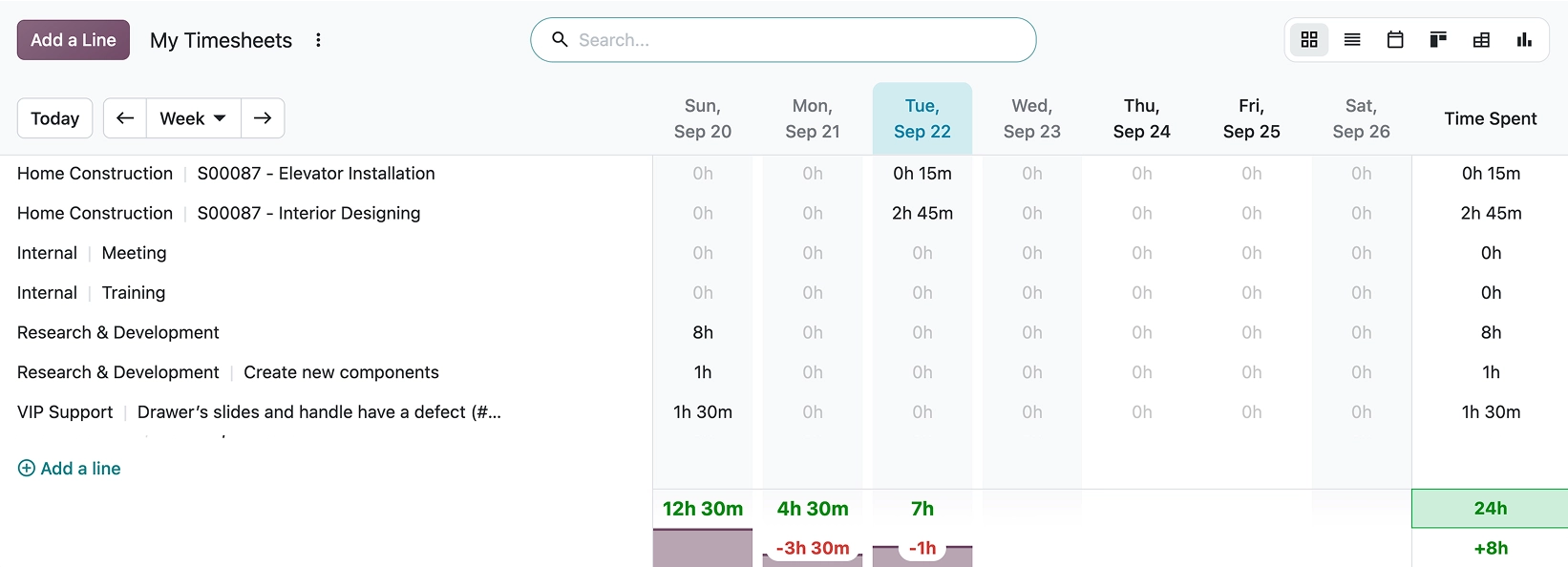
Illustration: Odoo
4. Lower-cost access for people who don't need full access to Odoo
At the Odoo 20 unveiling, Odoo also announced a cheaper access tier called Light User. It only gives users access to a few specific, everyday actions, rather than full access to Odoo. The slide on stage listed four: scanning a barcode without inventory management permissions, logging into the till to ring up a sale, checking your own schedule, and filling in your own worksheet. The price on that slide was €7.90 per user per month.
Working out what that's worth to you is straightforward. Say your shop has 12 people. Three of them work in Odoo in the office all day, and the other nine only touch the till and the barcode scanner, which fits inside the four actions above. Until now, all nine paid the full user price. At the list prices shown on stage (Standard, billed yearly), they'd pay €7.90 a month instead of €19.90. For those nine users, that's a saving of around €108 a month. This is an estimate based on the list prices shown on the slide, and I'll clarify the exact terms when you request a quote. If you've been paying for a full-price user account for a warehouse worker, cashier, or field technician on your team for one or two of these tasks, it's worth checking.
5. What's changing in the subscription price?
It depends which plan you're on. Standard is the entry-level plan for most SMBs running everything in one system, and Custom is the plan that lets you customize. The prices of the Standard and One App Free plans aren't changing: Standard stays at €19.90 per user per month billed yearly, or €24.90 billed monthly. The Custom plan is going up 20%: the slide on stage showed €35.90 per user per month billed yearly, or €44.90 billed monthly. Fabien Pinckaers, Odoo's founder and CEO, explained the increase this way: the price hasn't moved since 2022, and cumulative inflation since then has been 26%. One thing to flag: these are the list prices in euros shown on stage. What you'll actually pay under a Hungarian contract is worth confirming in writing.
AI features are priced separately. Per Odoo 20's release notes, you buy a pre-paid unit that gets used up as you go (called an IAP credit, priced at €1 per credit on the Odoo AI product page). Think of it like a top-up card: you buy a batch, and using an AI feature draws down the balance. I'll clarify how many credits each AI feature uses per use when you request a quote. The "no extra charge" line from the keynote only applied to connecting outside AI tools, as described in point 1. Don't read that as meaning every AI feature is free.
How I can help you adopt Odoo 20
If you're adopting Odoo now, or upgrading an existing system to version 20, plan around your hosting mode (Online, Odoo.sh, or self-hosted) and when the upgrade is available for your setup. If you're planning a rollout or a version upgrade, I can help you work out which of these changes could reduce your admin work, and what it will cost you.
How many of your people open Odoo every day but only really use it for one thing: scanning a barcode, opening the till, checking their schedule?
Want to know what Odoo 20 means for your business?
Tell me briefly what you'd use Odoo for, or which plan you're on now. I'll go through the announcements with you, work out which ones are useful for your business, and put together a quote based on what we find.
Request a quote for your Odoo 20 implementation
The first conversation is free, no obligation.
References
- Odoo 20 opening keynote, Odoo Experience 2026, Brussels, Odoo's official YouTube channel: https://www.youtube.com/watch?v=jM6w0YIYvWs
- Odoo 20 Release Notes, Odoo SA's official page: https://www.odoo.com/odoo-20-release-notes (accessed: September 24, 2026, after 11:00 Budapest time).
- Odoo 19 Release Notes, Odoo SA's official page: https://www.odoo.com/odoo-19-release-notes (used for comparison, to check what already existed).
- The “Odoo AI” IAP product page, Odoo SA's official page: https://iap.odoo.com/iap/in-app-services/867 (accessed: September 24, 2026).